

Tips to Optimize Acer Aspire Lite AL15-41 for Better Performance
Acer Aspire Lite AL15-41
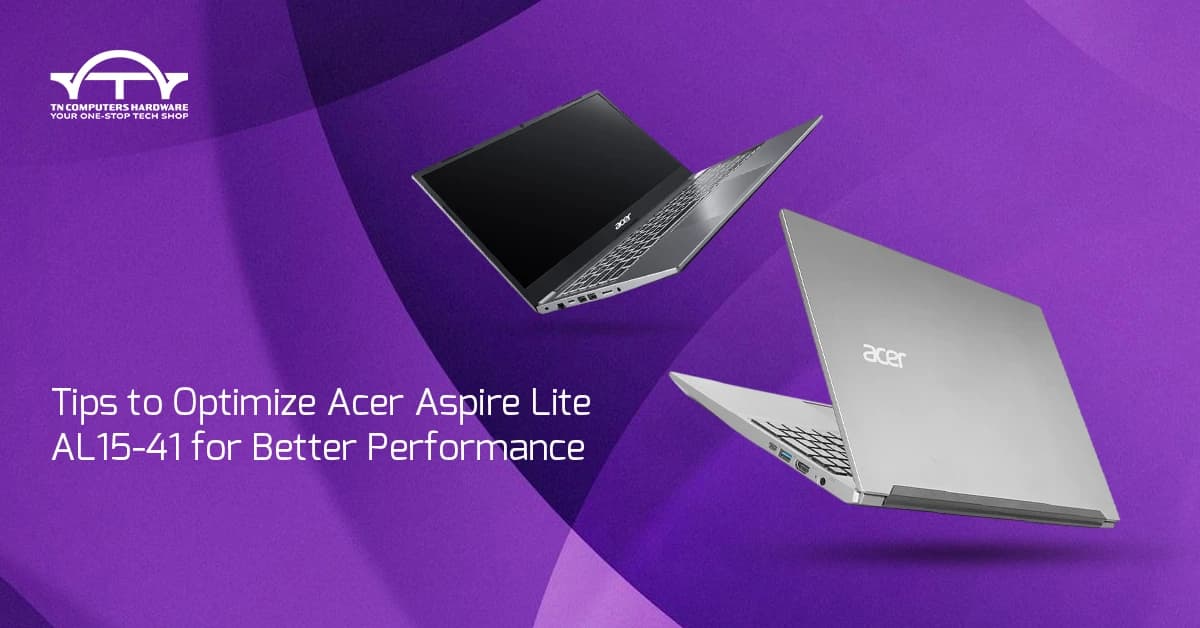
Experience the power of efficient computing with the Acer Aspire Lite AL15-41, a device that embodies a splendid combination of performance and portability. Effected by the efficient AMD Ryzen 3 7330U Processor (4 Cores / 8 Threads, up to \sim4.3 GHz) and powered by a quick 512 GB NVMe SSD, this notebook is a daily multitasking demon. Nevertheless, even the top machines require a few adjustments. Here is what you can do to get more than the maximum from your beautiful, light companion.
The Crucial Hardware Upgrade: Doubling Your RAM
The RAM in your Acer Aspire Lite is 8 GB DDR4, which is quite competent, but you are free to choose a single upgrade that will take the performance to the sky.
* Embrace Dual-Channel: The most significant effect will be obtained by making use of the upgrade feature of the laptop. Adding a second RAM module enables the laptop to function in dual-channel memory mode. This, in effect, doubles the memory bandwidth, which is very important for the integrated AMD Radeon Graphics, and, as a result, you get a noticeably smoother system response, application loading becomes faster, and multitasking gets better.
* Maximize Capacity: Because 8 GB is still passable for any basic tasks, the laptop will be turned into a multitasking heavy finally by upgrading the RAM to 16 GB (and even up to 32 GB); thus, the slowdowns will be history even if you run multiple tabs, documents, and programs simultaneously.
Windows 11 Software Tweaks for Speed
The advanced Windows 11 Home operating system is fast and efficient, but you can even make it better:
* Manage Startup Programs: Most apps start automatically when you boot your PC. This can both slow down your start-up time and affect your background performance. Open Task Manager (Ctrl+Shift+Esc), go to the Startup tab, and uncheck any programs you want to stop running at startup.
* Adjust Visual Effects: The stunning looks of Windows 11 may consume quite a few resources. For the sake of performance, just search for "Adjust the appearance and performance of Windows," go to the Visual Effects tab, and choose "Adjust for best performance." This sacrifices some beauty for speed.
* Optimize Power Settings: Make sure that your laptop is charged when you are working at full capacity. Move to Settings > System > Power & battery and keep the power mode "Best performance" for nonstop working when heavy tasks will be performed.
Maintenance for Lasting Velocity
Cleaning the system regularly is the key to retaining the lightning speed guaranteed by the 512 GB NVMe SSD.
* Clear Clutter: The included Disk Cleanup utility is very good for deleting the temporary files, leftover files from downloads, and old log files that are created by several programs. The result is that your quick NVMe drive will be kept clean, and it will function in good condition.
* Uninstall Bloatware: Look through the applications that are installed on your computer now and then, and delete the software that you do not use. The pre-installed trialware, or the apps that you do not use, can execute background processes, which in turn will use some CPU and memory that you could be using for other tasks.
* Keep Drivers Updated: Just to be sure and to be at your best, always keep your system and component drivers, especially for the AMD Ryzen processor and its integrated graphics, up to date through the Acer SupportAssist app or Windows Update. This way, you will have the newest performance and stability patches.
The Smart Choice: Purchase from TN Computers
By incorporating the efficient AMD Ryzen 3 7330U with the aforementioned optimization suggestions, your Acer Aspire Lite AL15-41 transforms into a device that can hardly be halted in work, study, and daily use.
When you are all set to grab hold of this powerful laptop, do not forget that TN Computers is the best place to get the new Acer Aspire Lite AL15-41. Just what a purchaser could expect—lowest price, guaranteed quality, and excellent service—together with the comfort of an Indian 1-Year Onsite Warranty—TN Computers ensures your wise decision is supported by brilliance.